Split a PDF Online for Free: Separate or Extract Pages
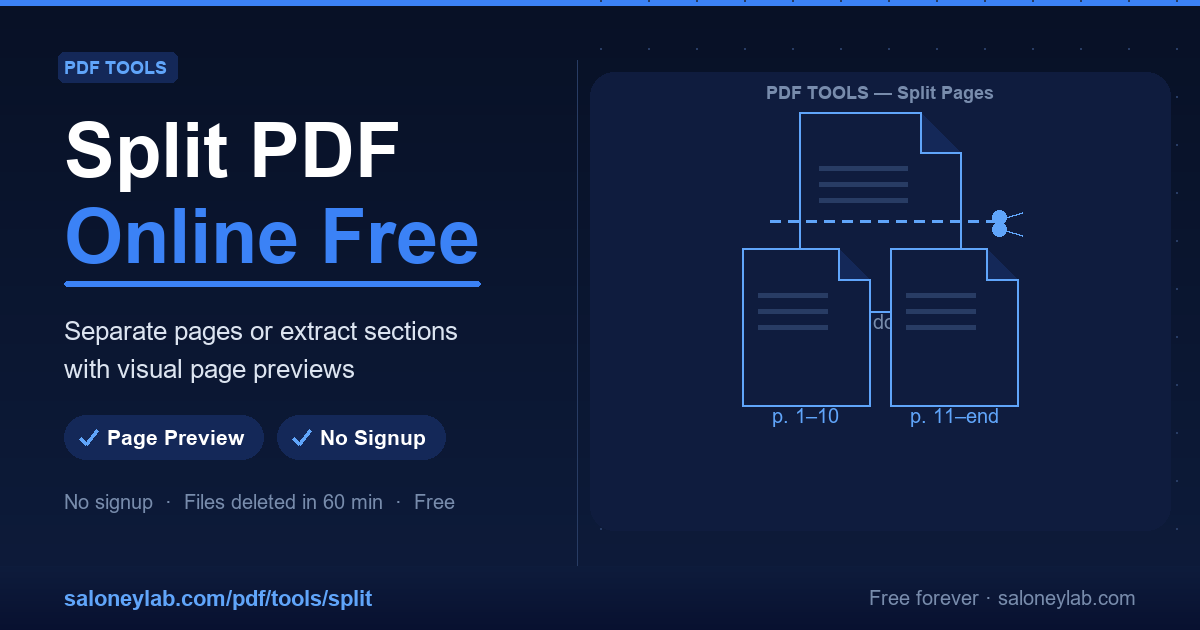
A 40-page contract where you only need the annex, a course handout to break into chapters, an invoice to separate from the delivery note: splitting a PDF is one of the most common office tasks — and you don't need paid software to do it.
With the free Split PDF tool you upload the document, see thumbnails of every page and choose where to cut. All in the browser, no registration.
How to split a PDF in 4 steps
- Open Split PDF.
- Upload your document (up to 20 MB).
- Define the page ranges using the thumbnails as a reference — for example 1-5, 6-12, 13-40.
- Download the resulting PDFs, one per range.
The clickable previews eliminate the classic "blind cut" mistake: you see exactly which content ends up in which file.
Split or extract? Two tools for two needs
- To break a document into blocks (chapters, sections, annexes), use Split PDF.
- If you only need a few specific pages — say page 3, 7 and 12 — Extract Pages is faster: select them from the thumbnails and get a single PDF with just those pages.
- To throw away a few pages and keep the rest, there is Delete Pages.
Privacy: where your documents end up
Uploaded PDFs are automatically deleted from the server within 60 minutes. No account, no archive of your documents, no sharing with third parties. For sensitive files you can also strip hidden metadata with Remove Metadata.
Frequently asked questions
Can I split a password-protected PDF? It needs to be unlocked first: if you know the password, use Unlock PDF, then split.
Is there a page limit? The limit is on file size: 20 MB. The number of pages does not matter.
How many operations can I run? The tool is free with a daily operation limit, designed for normal personal and office use.
What if I want to merge the pieces back later? The companion tool Merge PDF recombines multiple PDFs into a single document, with drag & drop ordering.
Related guides
After splitting a document you may want to protect it with a password or fix scanned pages that came out sideways.