Rotate PDF Pages Online for Free (One Page or All)
You scan a double-sided document and half the pages come out upside down. Or you receive a PDF with landscape tables that read sideways. Your PDF viewer rotates them temporarily, but when the file is reopened — or forwarded — the problem is still there: the rotation is not saved into the file.
With the free Rotate PDF tool you fix the orientation once and for all: the rotation is written into the document, so anyone opening it sees it correctly.
How to rotate a PDF in 4 steps
- Open Rotate PDF.
- Upload your document (up to 20 MB).
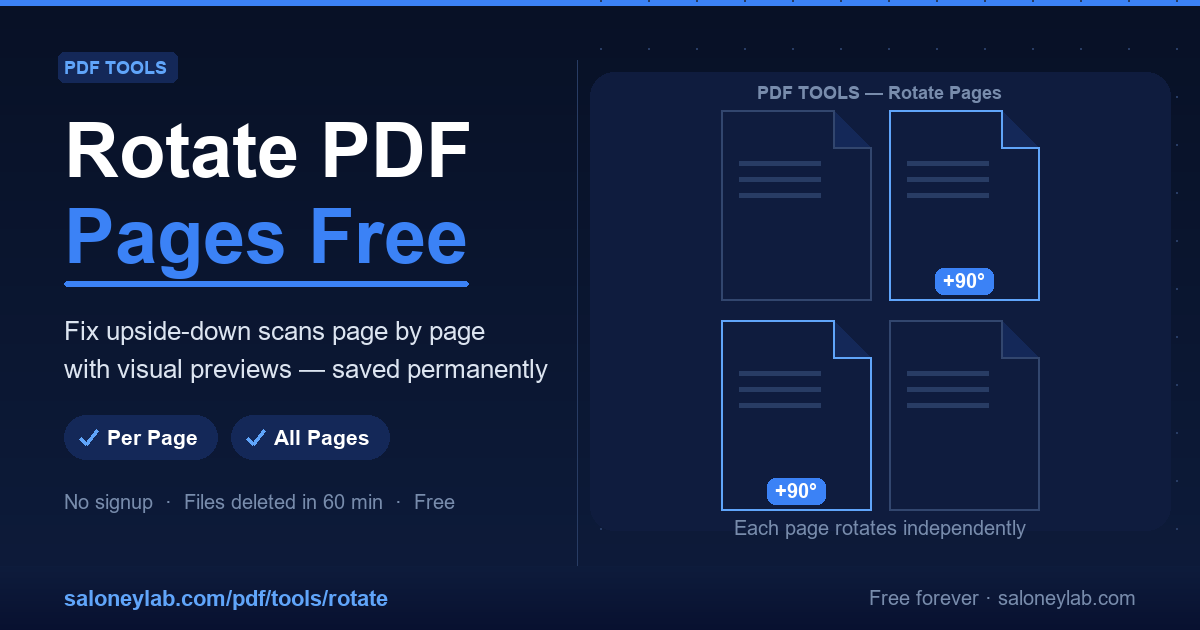
- Click the thumbnails of the pages to rotate — each click rotates by 90° and a badge shows the applied rotation — or rotate all pages at once.
- Download the PDF with the correct orientation saved.
The thumbnails make the operation error-proof: you preview every page and fix only the crooked ones, leaving the rest untouched.
The most common cases
- Upside-down duplex scans: even pages come out head-down. Rotate them 180° in one pass.
- Landscape tables and charts: rotate just those pages by 90°, keeping the rest in portrait.
- Smartphone photos converted to PDF: random orientation, fixable page by page.
Privacy: what happens to the document
As with every PDF tool in the lab, uploaded files are automatically deleted from the server within 60 minutes. No registration, no archive.
Frequently asked questions
Is the rotation permanent? Yes, it is written into the downloaded file: anyone opening it, in any reader, sees the pages in the correct orientation.
Can I rotate only some pages? Yes — that is the tool's strength: each page rotates individually from the thumbnails, or all together with a single command.
Does the document quality change? No: rotation only changes page orientation, it does not re-compress the content.
The PDF is password-protected: can I rotate it? First remove the protection with Unlock PDF (you need to know the password), then rotate.
Related guides
If besides straightening pages you also need to split the document or protect it with a password, the dedicated guides are on the blog.