How to Compress a PDF Online for Free — Up to 80% Smaller
A 15 MB PDF that won't upload to a portal, a presentation too heavy to send as an email attachment, an archive of scanned documents eating up half a drive: compressing PDFs is one of the most common everyday file tasks.
The free Compress PDF tool lets you shrink the file right in the browser, with no software to install and no account needed.
How to Compress a PDF in 3 Steps
- Open Compress PDF.
- Upload your document (up to 20 MB).
- Click Compress and download the reduced file.
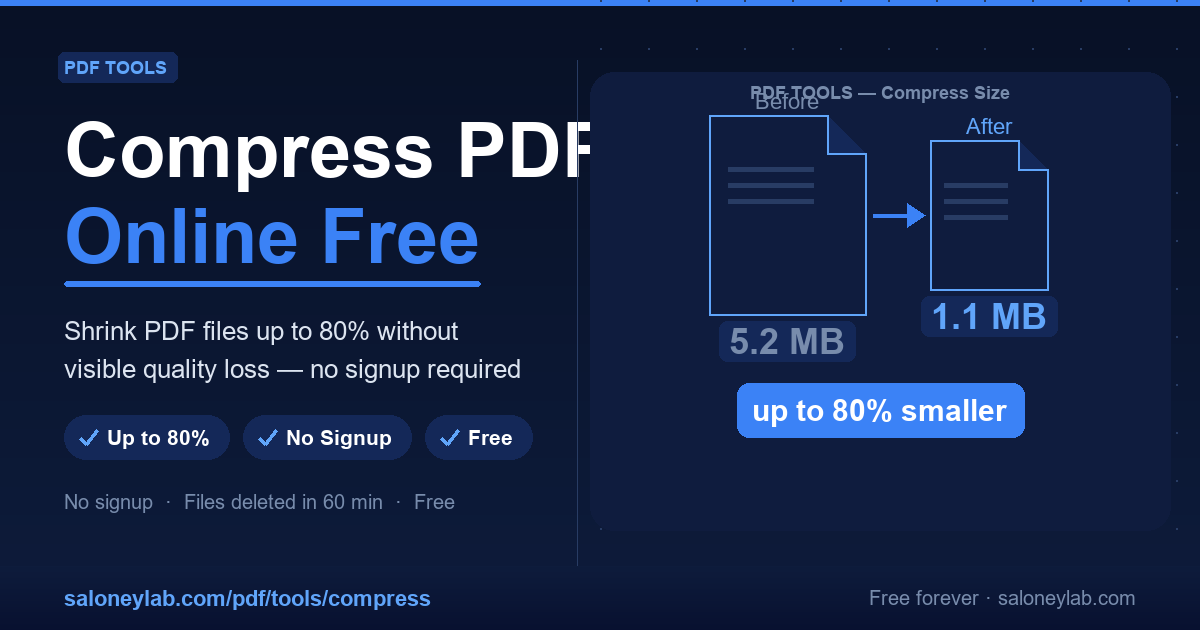
Typical results are a 40–80% reduction from the original size — the percentage depends on how many images the PDF contains and their original quality.
Why Are PDFs Often So Large?
The main culprit is embedded image quality. When you scan a document, save screenshots or insert high-resolution photos into a PDF, every image is stored with all its original pixels. A single PDF can contain dozens of images of 5–10 MB each.
Compression reduces image quality to a level that's still perfectly readable on screen (and usually in print too), removing data that the human eye cannot perceive.
Typical Use Cases
- Email attachments: most clients impose a 10–25 MB limit on attachments.
- Application portals and online forms: 5–10 MB limits are common.
- Long-term archiving: scans and contracts accumulate quickly.
- Link-based sharing: smaller files upload and download faster.
Quality vs Size
Compression removes redundant data, mainly in images. For text-only documents, the reduction will be smaller (often 10–20%). For image-heavy PDFs, the savings are greater.
Privacy: What Happens to Your File
Your document is processed on the server and automatically deleted within 60 minutes. No account required, no content analysis.
Frequently Asked Questions
Does the text remain readable after compression? Yes — text in PDFs is vector-based and is not changed. Only images are optimised.
Can I compress a password-protected PDF? Unlock it first with Unlock PDF, then compress.
What is the largest file I can upload? 20 MB per file.
Related Guides
After compressing, you may want to protect the PDF with a password or split it into sections.
Try it now: Compress PDF Free →