Resize Images Online Free — By Pixels, Percentage or Longest Side
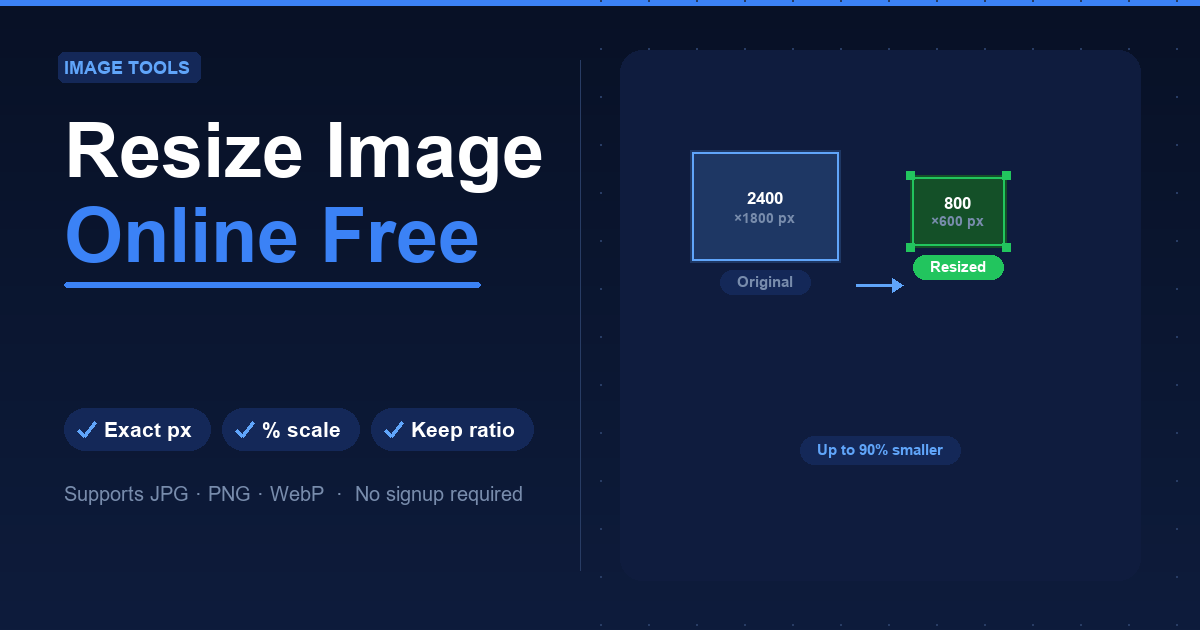
The problem: image is too large (or too small)
The university portal only accepts uploads under 2 MB. The e-commerce platform requires product photos of exactly 800×800 px. Your CV needs a passport-size photo. The client's logo looks blurry because it is at too low a resolution.
In all these cases the solution is the same: resize the image. No Photoshop, no software to install. The free Resize Image tool does it directly in your browser.
How to resize an image in 3 steps
- Upload your image — Open Resize Image and drag your file into the upload area. Supports JPG, PNG and WebP, up to 20 MB.
- Choose the new dimensions — Three options:
- Exact pixels: enter width and height. Lock the aspect ratio to avoid distortion, or unlock it to force specific dimensions.
- Percentage: enter a percentage of the original (e.g. 50% = half the size in both directions).
- Longest side: set the maximum side length and the image scales proportionally.
- Download — Your resized image is ready in seconds, in the same format as the original.
When to resize
- Portal uploads: most sites cap file sizes at 5–10 MB.
- Email attachments: a 4 MB photo slows delivery and fills inboxes.
- Social media: pre-optimising avoids platform re-compression quality loss.
- Website performance: smaller images = faster pages = better Google ranking (Core Web Vitals).
Resize vs crop: what is the difference?
- Resize changes the overall dimensions, keeping all content visible.
- Crop removes outer areas and changes the aspect ratio (e.g. rectangle to square).
If you need a square image from a landscape photo, use Crop Image.
Privacy
Files are processed on the server and automatically deleted within 60 minutes. No account required.
FAQ
Does reducing an image lower its quality? Scaling down involves some resampling, but the result is virtually indistinguishable at normal viewing sizes.
Can I enlarge an image without losing quality? Only partially. Upscaling adds interpolated pixels — the result is larger but slightly softer than the original.
What formats are supported? JPG, PNG and WebP. The output format matches the input.