Remove Hidden Metadata from a PDF Online — Free, No Signup
The problem: what is hiding inside your PDF?
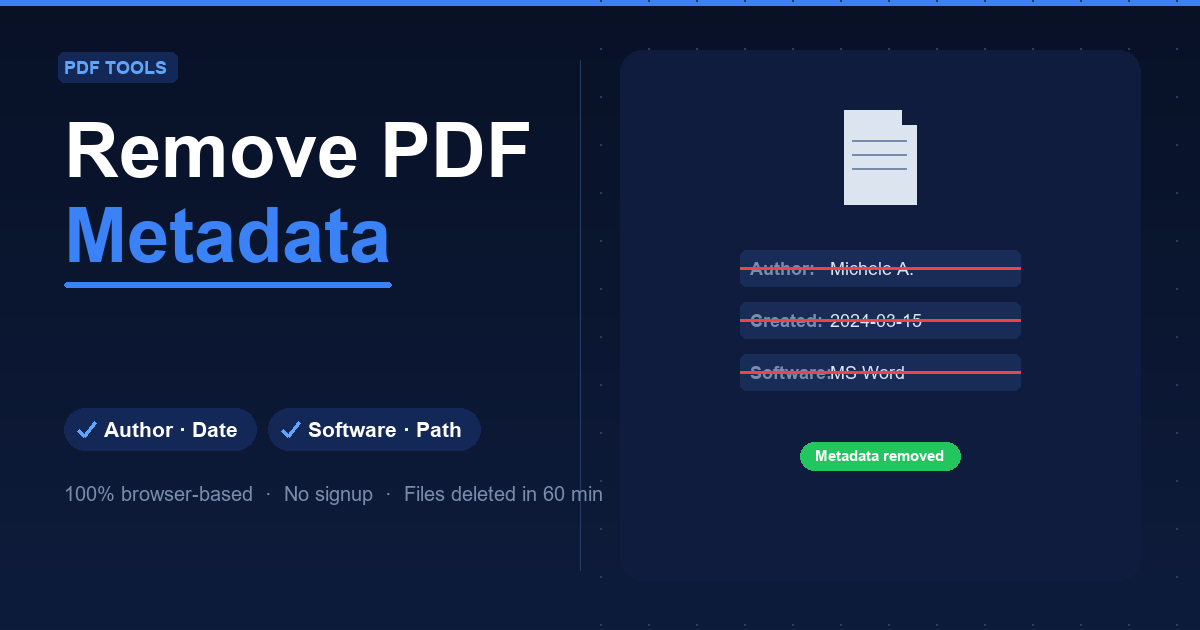
When you save a document as a PDF from Word, LibreOffice or any other software, the file automatically embeds invisible information called metadata: your name, company, the software used, creation and modification dates, the original file path on your computer, and sometimes even the document title or internal keywords.
None of this appears when reading the document, but anyone can see it with right-click → Properties or a free online viewer. Before sharing a contract, CV, proposal or report externally, removing this data is simple good practice.
Remove PDF Metadata does it in seconds, directly in your browser, with no install or signup.
How to remove metadata in 3 steps
- Upload your PDF — Open Remove PDF Metadata and drag your file into the upload area (max 20 MB).
- Process — Click to start. The tool strips all standard metadata automatically: author, company, software, creator, producer, dates, title, subject, keywords and file path.
- Download the clean PDF — A few seconds later your document is ready — visually identical to the original but carrying no hidden information.
No account required, no software to install.
When it matters
- Proposals and quotes: can reveal your company's software stack and the real author's name.
- CVs and job applications: the original file path can expose your folder structure.
- Contracts: the creation date in metadata may differ from the signing date.
- Reports and research: often carry internal project names or keywords set by your organisation.
- Digital product distribution: remove metadata before sharing an ebook or manual.
What gets removed?
Author, Company, Creator (the software), Producer (the PDF converter), creation and modification dates, Title, Subject, Keywords and original file path. The visible content — text, images, tables, links — stays completely unchanged.
Privacy
Files are processed on the server and automatically deleted within 60 minutes. No account needed, no content analysis.
FAQ
Does removing metadata change how the PDF looks? No. Only the invisible fields are cleared. The visual document is identical.
Can I verify the metadata was removed? Yes. After downloading, check the file Properties or use any online metadata viewer to confirm the fields are empty.
Does this affect digital signatures? No. Digital signatures are part of the document content, not metadata. Clearing metadata does not remove or invalidate them.