Image Tools: online tools to prepare web images quickly
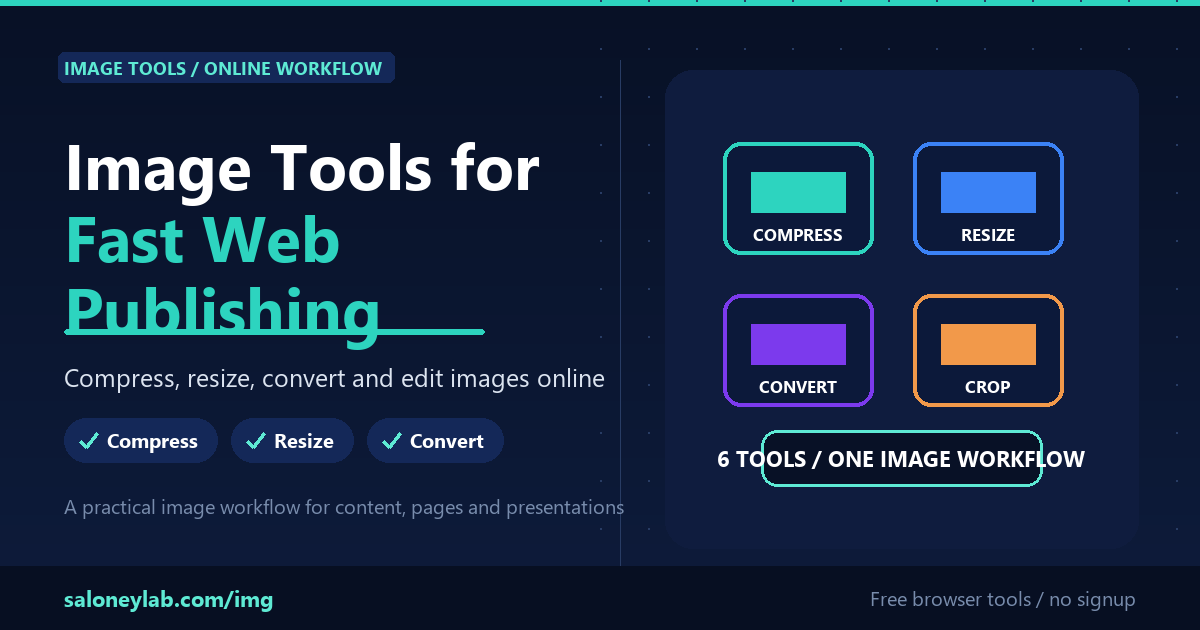
Image Tools brings together the small image operations you often need before publishing a web page, a presentation or a social post. The goal is simple: remove unnecessary steps and prepare the final image quickly.
What you can do
- Compress images to reduce page weight
- Resize files that are too large for websites, blogs and presentations
- Convert between common formats such as JPG, PNG and WebP
- Crop or rotate images without opening heavy software
- Automatically remove a background when you need a transparent PNG
A simple workflow
- Open Image Tools
- Upload the image you want to work on
- Choose the right tool: compress, resize, convert, crop, rotate or remove background
- Download the result and use it in your content
Why it helps
Most online content does not need a full design suite. It needs a clean final file. A lighter image improves loading speed, usability and the perceived quality of the page.
Try it here: open Image Tools